 Bloom
BloomIs Your Period Tracker App Selling Your Data?
"Selling data" rarely looks like a company handing over a spreadsheet for cash. It usually looks like a line in a privacy policy about "analytics providers" or "advertising partners" — technical-sounding language for the same underlying thing: your cycle dates, symptoms and predictions leaving the app and reaching a company you've never heard of.
Here's how it actually works, and how to check what your own app is doing in about two minutes.
How period-tracking apps commonly monetize data
Analytics and advertising SDKs
Many free apps embed third-party software development kits (SDKs) for analytics or advertising. These SDKs can collect usage data — and depending on how the app is built, sometimes far more — and send it to the SDK provider's own servers, outside the app developer's direct control.
"Aggregated" or "de-identified" data sharing
Privacy policies often permit sharing data that's been "aggregated" or had identifying details removed. In practice, cycle and symptom data is often specific enough that de-identification is imperfect, especially when combined with other data points like location or device ID.
Account-linked profiles
If an app requires an account, your cycle history is tied to an identity from day one. Even without any third-party sharing, that's a standing profile that exists on a server, subject to that company's data retention policy, breach risk, and any future change of ownership.
The two-minute check
- Open your app's privacy policy (usually in Settings, or on its App Store listing page).
- Search for the word "share" — most policies have a dedicated section titled something like "How we share your information."
- Read what triggers sharing. Look for "service providers," "analytics," "advertising" or "partners." Legitimate operational sharing (e.g. a cloud host storing encrypted backups) is normal; sharing for "marketing" or "advertising purposes" is the flag to note.
- Check if it works offline. Turn on airplane mode and try logging an entry. If the app still works fully, that's a good sign your data isn't required to touch a server to function — if it doesn't, some form of network transmission is baked into normal use.
Skip the audit — track offline from day one
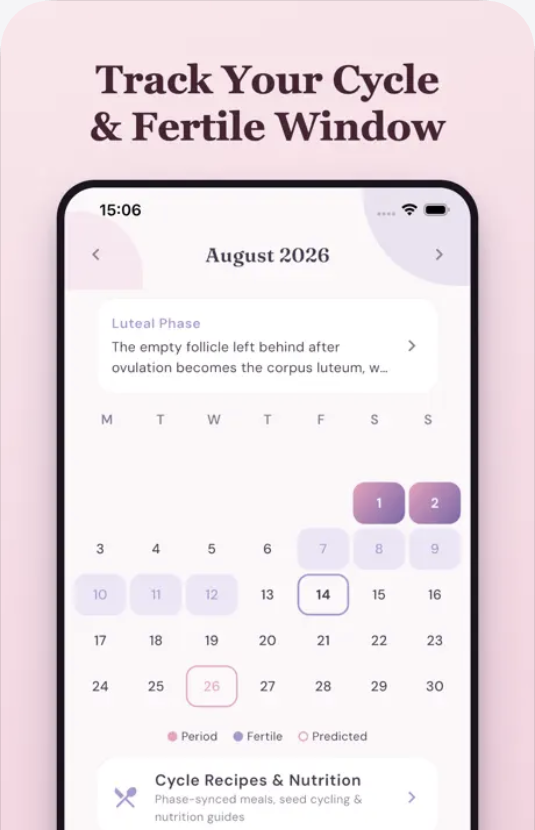
Bloom works fully offline with no account, so there's no server-side copy of your cycle data to share in the first place. Free on the App Store.
Download on theApp StoreWhy offline-first solves this structurally
Most privacy risk in this category comes from data existing somewhere other than your own device — a server, a backup, an analytics dashboard. An app that stores everything encrypted, on-device, with no account and no cloud sync doesn't need a good privacy policy to protect you from this, because there's nothing centralized to protect in the first place. See our related checklist on what to look for in a private period tracker.
FAQ
Does "encrypted" alone mean my data is private?
Not necessarily — data can be encrypted in transit or at rest on a server and still be shared with the company's own partners under its privacy policy. Encryption protects against interception and breach; it doesn't by itself limit who the company shares data with. Both matter.
Can I tell if an app has already shared my data in the past?
Usually not directly, though some regions' privacy laws (like GDPR or CCPA) let you request a copy of what a company holds and has shared about you. The more reliable approach is choosing an app that doesn't collect a shareable copy to begin with.
Is this only a concern for free apps?
No — paid apps can still include analytics or advertising SDKs, and subscription apps still typically require an account tied to a server-side profile. Price isn't a proxy for privacy; the privacy policy and offline behavior are.
This guide is general privacy information, not legal advice. Always read the specific privacy policy of any app you use.