BuildAudit stamps every job site photo with GPS coordinates, address and timestamp, tracks your punch list, and turns it all into client-ready PDF reports and itemised invoices — synced privately via CloudKit, no account required.
Free to start · iPhone · Private CloudKit sync · No account required
Inside the app
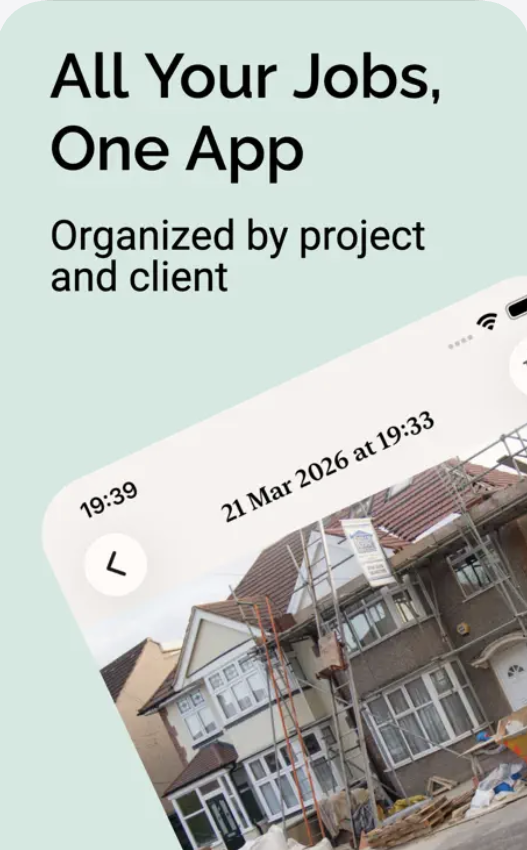
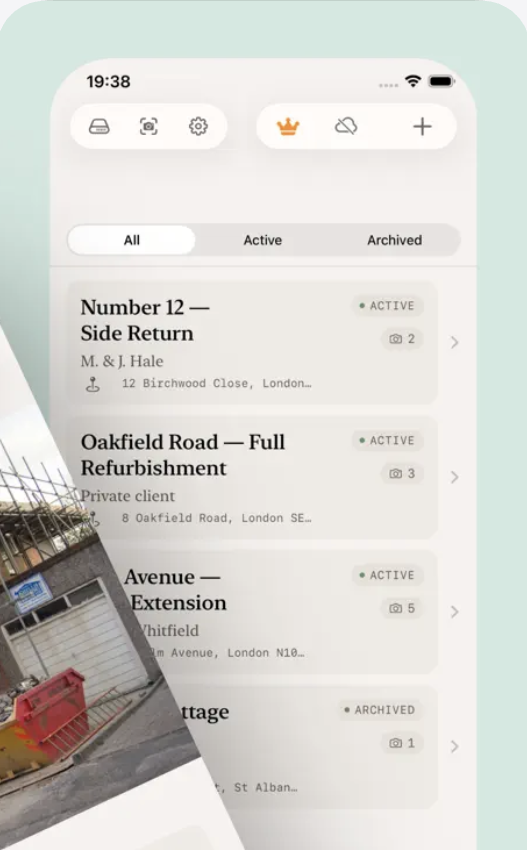
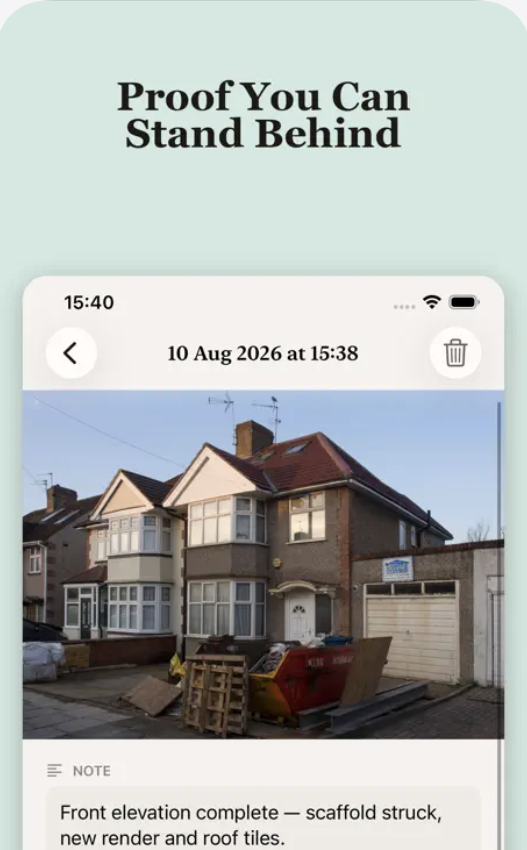
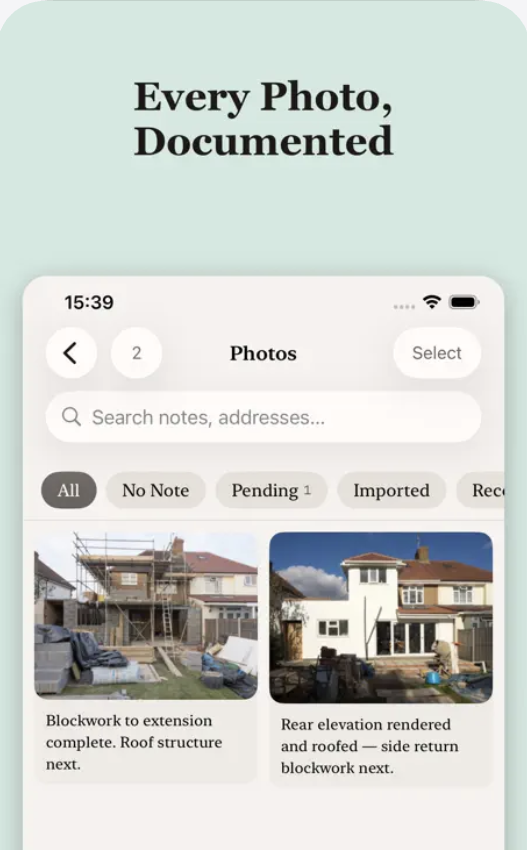
Projects organized by client and address, photos stamped with proof you can stand behind, and every image documented and searchable.
How it works
BuildAudit follows a job from the first site photo through to the invoice that gets you paid.
Every photo is auto-stamped with exact GPS coordinates, a reverse-geocoded address, date and time. Attach hands-free voice notes on site for thorough documentation.
Log outstanding issues with due dates and priority. Open punch list items are automatically summarised into your Daily Site Log report.
Generate itemised PDF invoices from your project's photos and tasks — labor, materials, tax, discounts and your own company branding.
Synced via Apple's private CloudKit — no third-party backend, no account sign-up, no data leaving Apple's ecosystem.
No signal on site is no problem — photos and notes queue locally and sync automatically once you're back online.
Work Summary for clients, Insurance Evidence for claims, and Daily Site Log for daily activity — all clean, exportable PDFs.
Free to start with 2 active projects. BuildAudit Pro ($9.99/month or $79.99/year) unlocks unlimited projects, itemised invoicing, punch lists, and watermark-free reports.
Download on theApp StoreGuides
Practical guides for contractors and field crews on documenting jobs, closing out punch lists, and getting paid faster.
Feature-by-feature and price-by-price — what each app actually does, and which fits a solo contractor vs a crew.
Read the guide →How timestamped, geotagged photos protect you in disputes, insurance claims, and client disagreements.
Read the guide →The itemised invoice workflow that gets contractors paid faster — labor, materials, tax and branding in one PDF.
Read the guide →Why punch lists stall, and the structure that keeps outstanding items visible until they're done.
Read the guide →The fields that make a daily log actually useful later — for clients, disputes, and your own record.
Read the guide →FAQ
Yes. BuildAudit is free to download, with up to 2 active projects, GPS and address-stamped photo capture, and voice notes included. Free-plan reports include a BuildAudit watermark. Pro ($9.99/month or $79.99/year) unlocks unlimited projects, watermark-free reports, itemised invoicing, punch list tracking, before/after photo pairs, document scanning, and company branding.
No. BuildAudit syncs across your devices using your existing Apple ID via CloudKit — there's no separate account or sign-up.
In Apple's private CloudKit, tied to your Apple ID. BuildAudit doesn't run its own backend server, so your photos, invoices, and reports are never stored on a third-party server.
CompanyCam is a team photo-documentation platform starting around $63/month for a single user. BuildAudit bundles photo documentation with punch lists and itemised invoicing in one app, for a flat $9.99/month or $79.99/year, aimed at solo contractors and small crews. Learn more →
Yes. BuildAudit Pro generates itemised PDF invoices from your project's photos and tasks, with labor and materials, tax, discounts, and your company branding. Learn more →
Three: a Work Summary Report for clients and owners, an Insurance Evidence Report with detailed photo metadata for claims, and a Daily Site Log Report covering daily activity, weather, and open punch list items. Learn more →
Yes. Photos and notes captured on site queue locally and sync automatically once your device reconnects — you don't need signal to keep working.
BuildAudit is available on iPhone, free on the App Store.
GPS-stamped photos, punch lists, and itemised invoicing — synced privately, no account required. Free on the App Store.
Download on theApp Store